

Setting Your Venue Timezone
Your venue timezone controls every time parents see and pick. Set it under Organization settings → General → Venue timezone so booking times match your local time.
Set your timezone
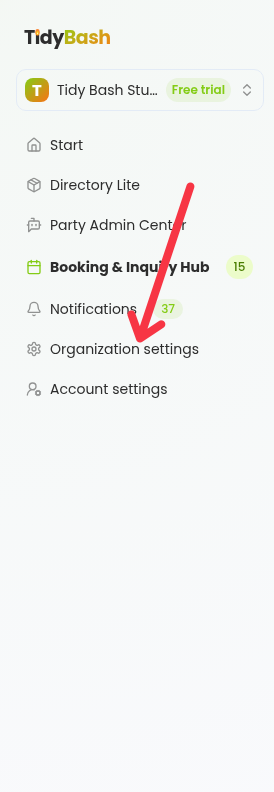
Open Organization settings in the left navigation.
Select General in the settings sidebar.
In the Venue timezone section, choose your timezone in the Timezone dropdown.
Click Save.
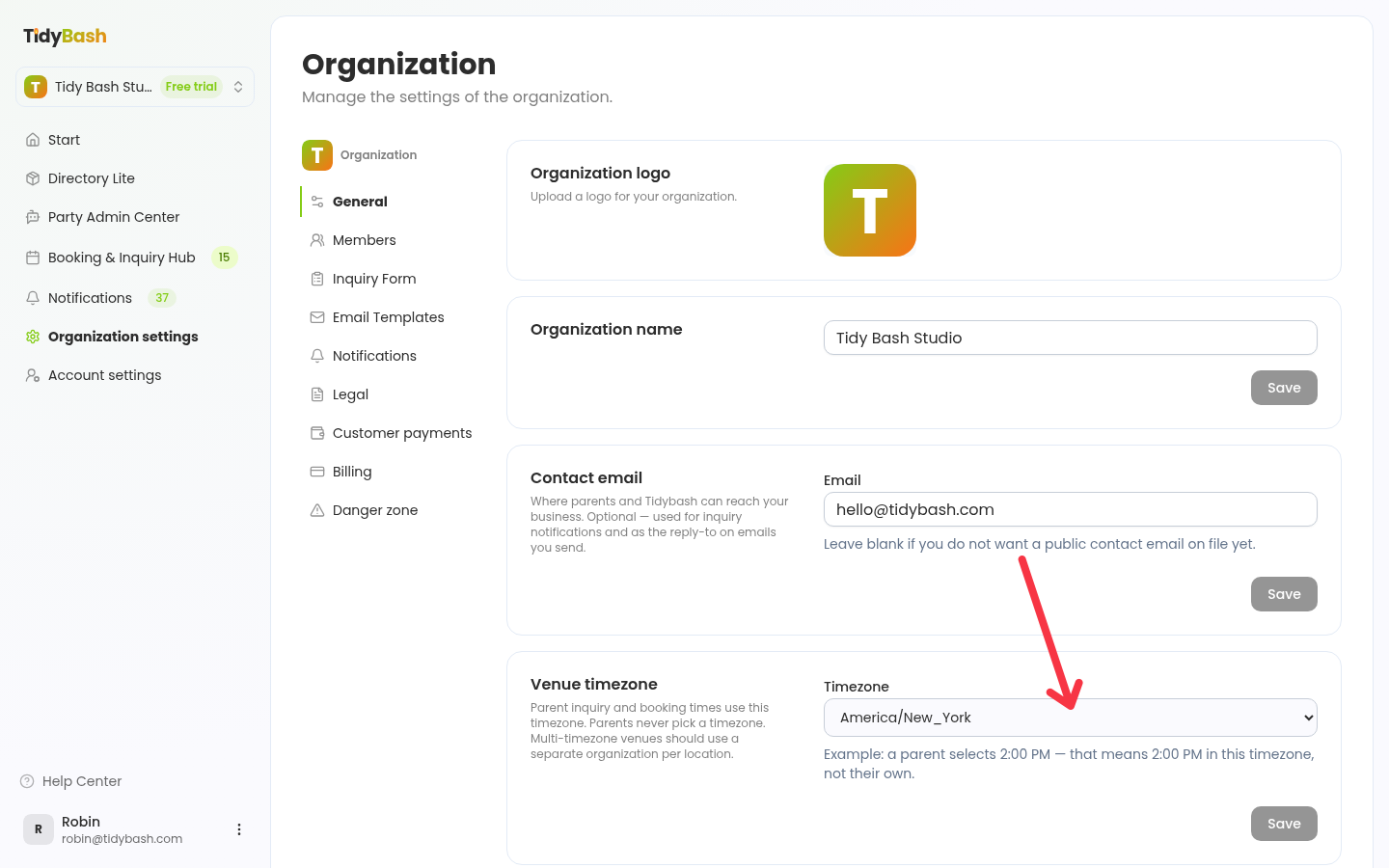
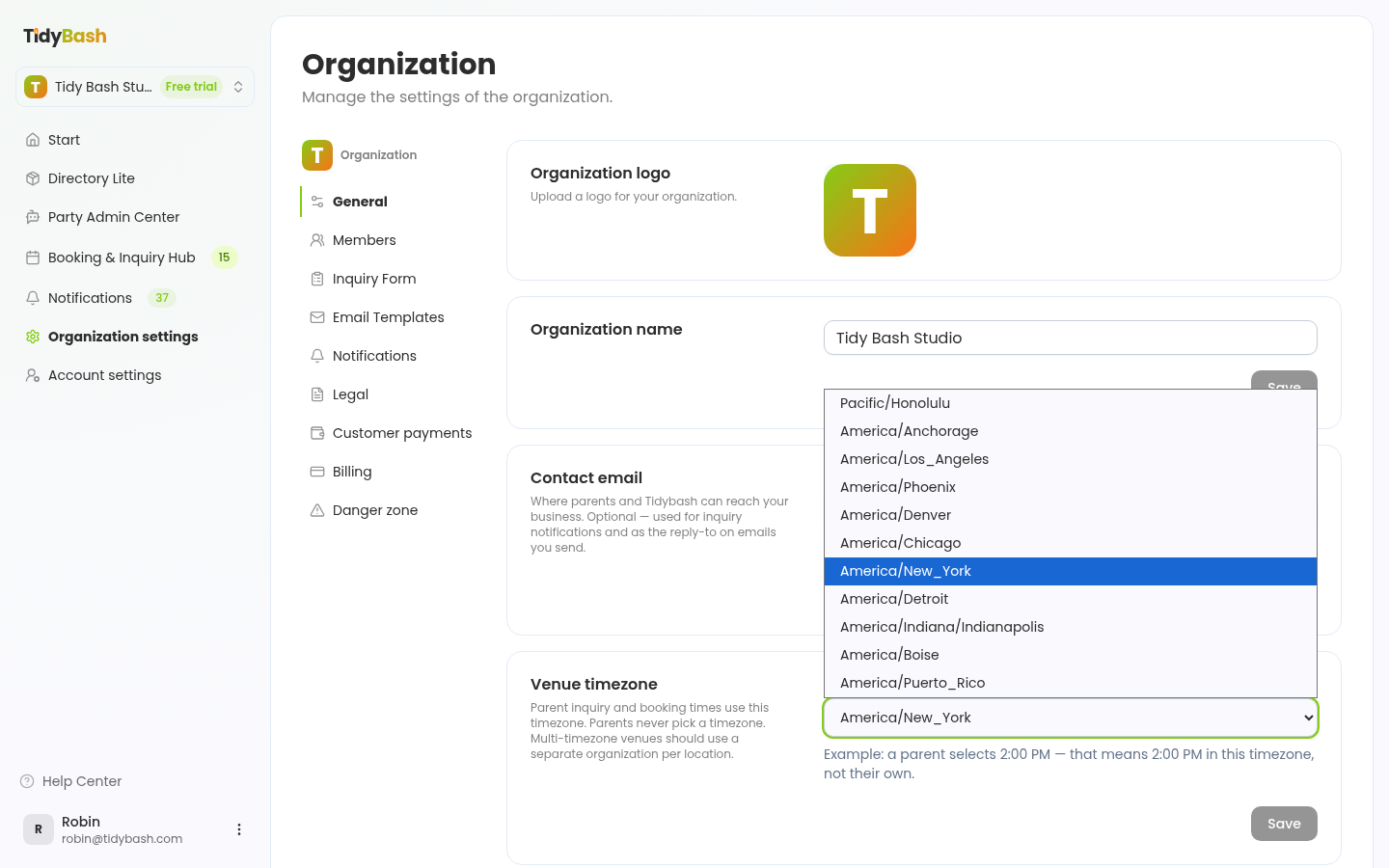
Your organization starts on Eastern Time (America/New_York in the dropdown). If your venues run on a different timezone, change this before you start taking bookings.
How parents see times
Parent inquiries and bookings all use this timezone, and parents never pick a timezone themselves. If a parent selects 2:00 PM, that means 2:00 PM in your venue timezone, not theirs.
Venues in more than one timezone
A business with venues in more than one timezone needs a separate organization for each one. Providers can't create a second organization themselves, so email [email protected] and we'll set it up.